

WEGIT · THEME GALLERY
Theme gallery
Your workspace, your colors
Choose a theme and open its preview to adjust the palette.
Download it and bring your colors into WeGit.
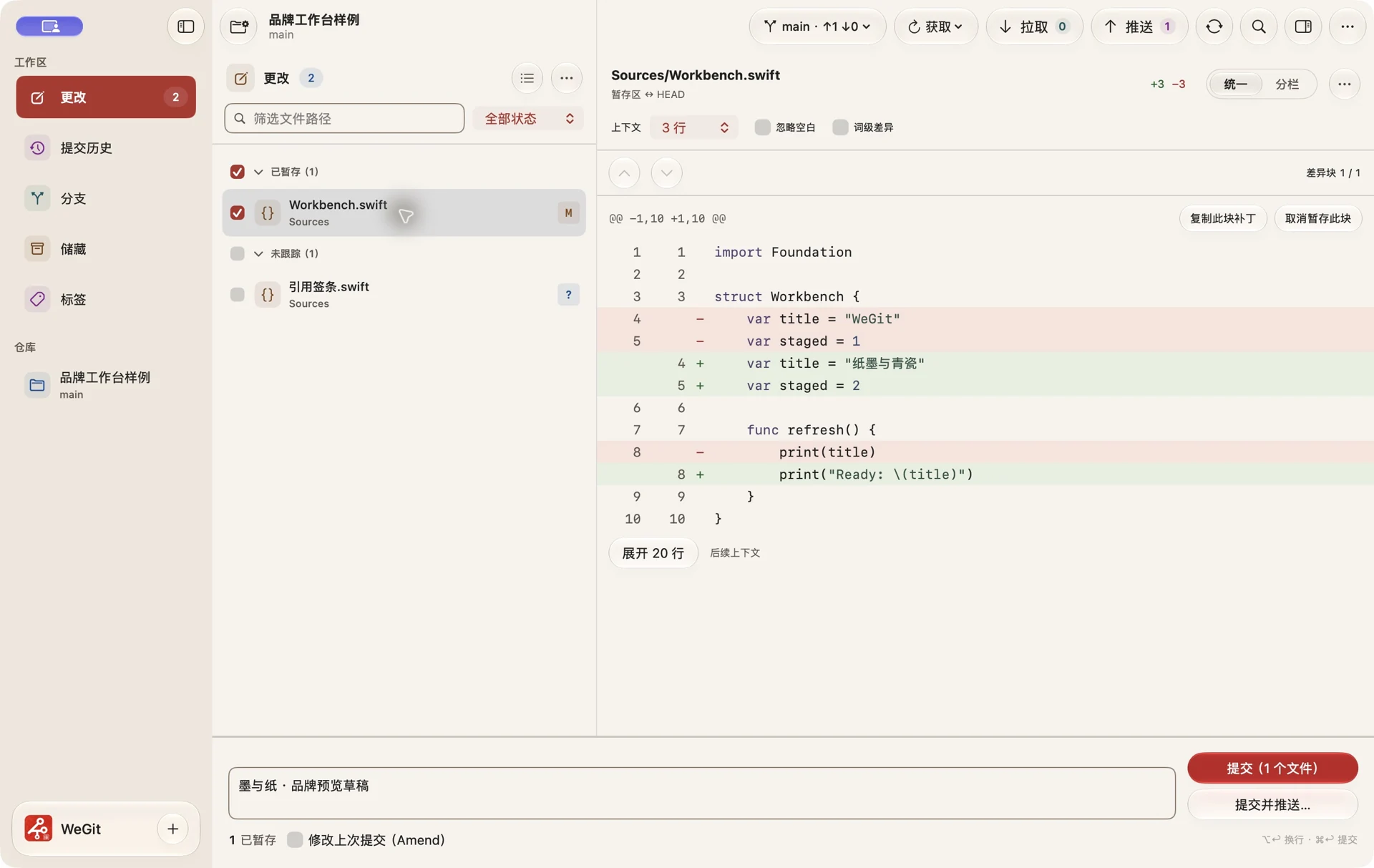

Curated Theme Collection
Open a preview to see and adjust each palette in the WeGit workspace.
Have your own theme?
Import a compatible JSON theme to preview and customize it right here.
How It Works
A few small steps to make WeGit feel completely yours.
1. Browse
Explore the collection and preview different looks.
2. Download
Save your chosen theme file locally.
3. Import
Settings → Appearance → Custom palette → Edit → Import.
4. Enjoy
Preview in the theme editor, then choose Apply theme.
FEATURED THEME
Ink Theme
A meeting of code and Eastern aesthetics
Quiet neutrals and thoughtful contrast inspired by traditional ink painting bring calm to your development space.
Eastern-inspired design Comfortable visual rhythm Designed for long sessions
Discover Your Next Favorite Theme
From clean and modern to classic and expressive, find a workspace that feels like you.
Browse Themes